Instant search
Find the right article quickly, without digging through folders or asking around.
A modern knowledge base your team will actually use

Everything your team needs to turn scattered information into trusted knowledge.
Give every team a simple place to turn notes, decisions, and processes into clear articles. Draft together, review changes, and keep the final version easy to trust.
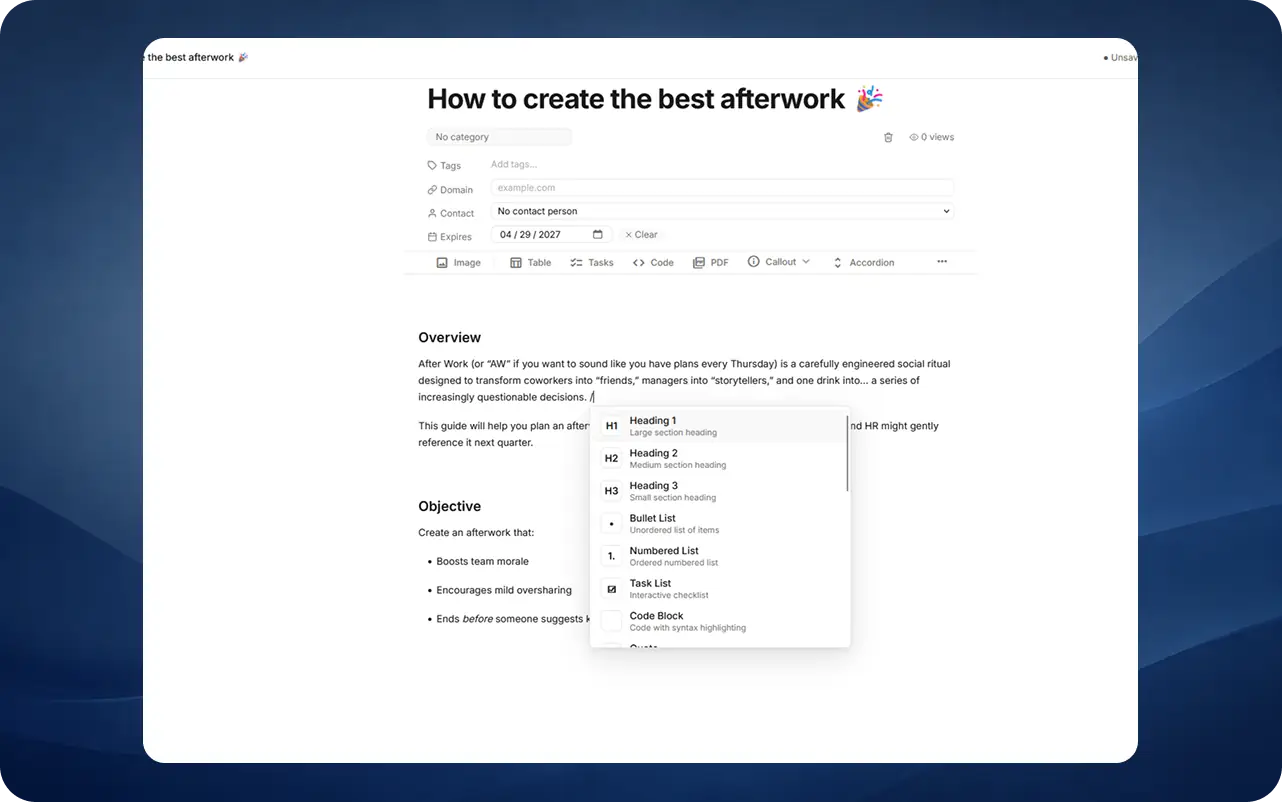
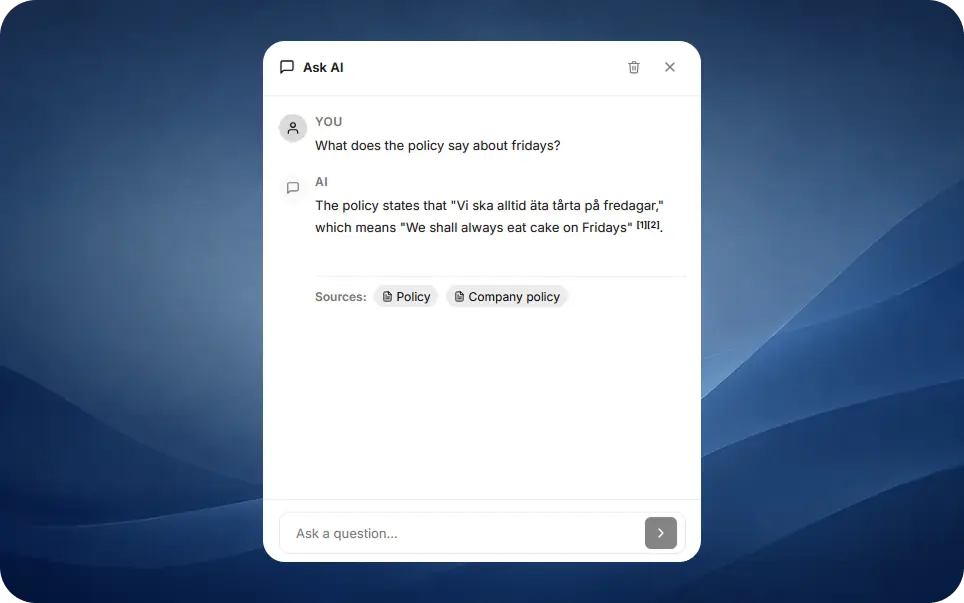
When someone has a question, Nashi helps them get to the right answer quickly. Search points to the best pages, and Ask AI can summarise what your own knowledge already says.
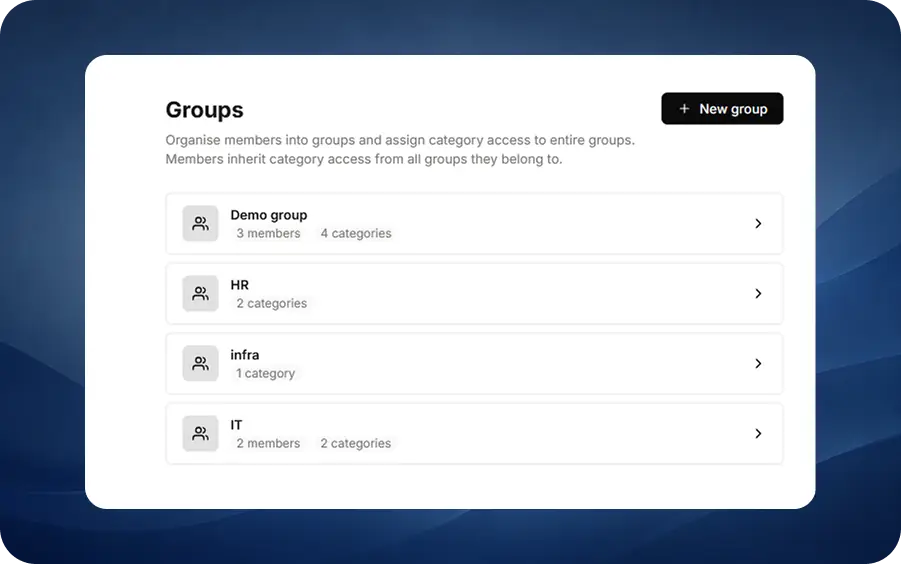
Share open company knowledge widely, and keep sensitive team or leadership pages limited to the people who should see them. It stays simple as your organisation grows.
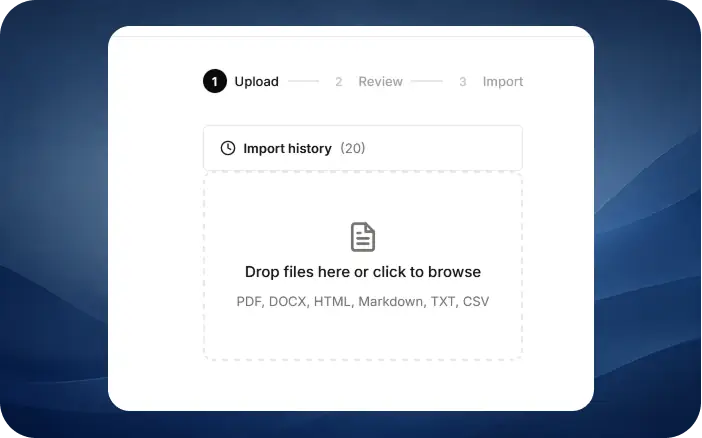
Save useful pages, snippets, and existing documents into the place your team will actually look. Bring old content with you without a long migration project.
Small details that make the daily experience great.
Find the right article quickly, without digging through folders or asking around.
Ask a question in everyday language and get a helpful answer from your own content.
Keep feedback, updates, and decisions close to the knowledge your team relies on.
Organise knowledge in a way that matches how your team already thinks and works.
See what people use, what needs attention, and where clearer documentation can help.
Give people access to the knowledge they need while keeping sensitive pages protected.

"Keeping your data organized is the beginning of the AI journey"
Common questions about modern internal knowledge bases, and how Nashi handles them.
A knowledge base is a central place where a team stores, organises, and finds the information it needs to do its work, from how-tos and policies to product docs and FAQs. Nashi makes that knowledge easier to write, trust, and use every day.
A wiki is one type of knowledge base, usually focused on editing pages together. A modern knowledge base also helps teams keep information easy to find, clearly owned, and useful as the company grows.
Yes. You can decide which people or teams should see each area of knowledge, so open company information stays easy to reach while sensitive pages stay protected.
Yes. Business and Enterprise teams can connect Nashi to their company login provider, including Okta, Azure AD, Google Workspace, and others.
Ask AI looks at your own articles and drafts an answer with links back to the source pages. It only uses content the person asking is allowed to read, and teams can turn it off where they prefer.
Yes. Markdown and CSV imports are built in, so you can migrate content from existing tools without copy-paste.
Start free. Invite your team in two clicks.